
By Sean Walker | Director, Digital Platforms & Web Operations
A website redesign can be easy to put off. Your team already has plenty to manage, and going through years of website content, choosing a design, and preparing for launch can feel like another full-time job. Even when everyone agrees the website needs attention, figuring out where to begin can be the hardest part.
That is exactly what we wanted to address with our updated SHiNE redesign process. We have brought the preparation work, design decisions, and project reviews into one guided approach, so your team knows what to expect and has help along the way.
I recently walked through that process in our webinar, Get Ready to SHiNE: Your Co-op’s Guide to a Smooth Website Redesign. If you missed it, the recording is available through Touchstone Energy’s LinkedIn Learning channel. Here is a closer look at how we help your cooperative move from an initial idea to a new website, and what happens after launch.
Start with what your members need
A redesign gives your co-op a chance to look at the website from a member’s point of view. Can someone quickly find the outage information? Is the path to bill payment obvious on a phone? Are program details current, and can members find the right form without calling the office?
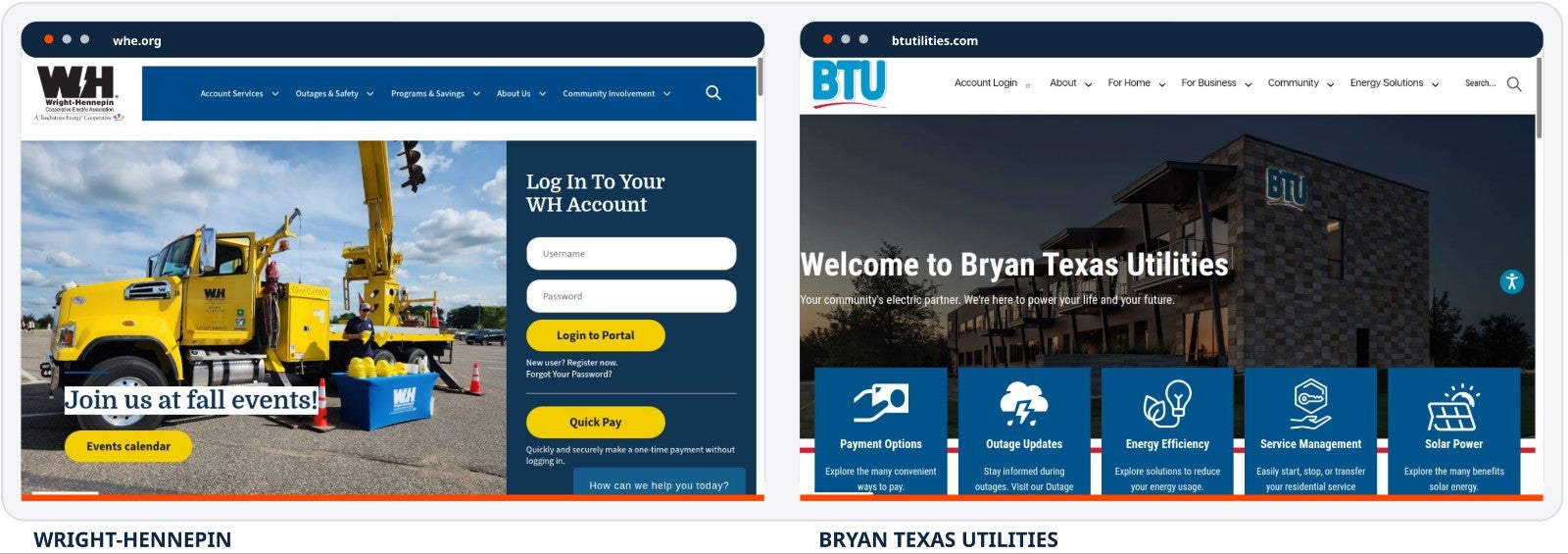
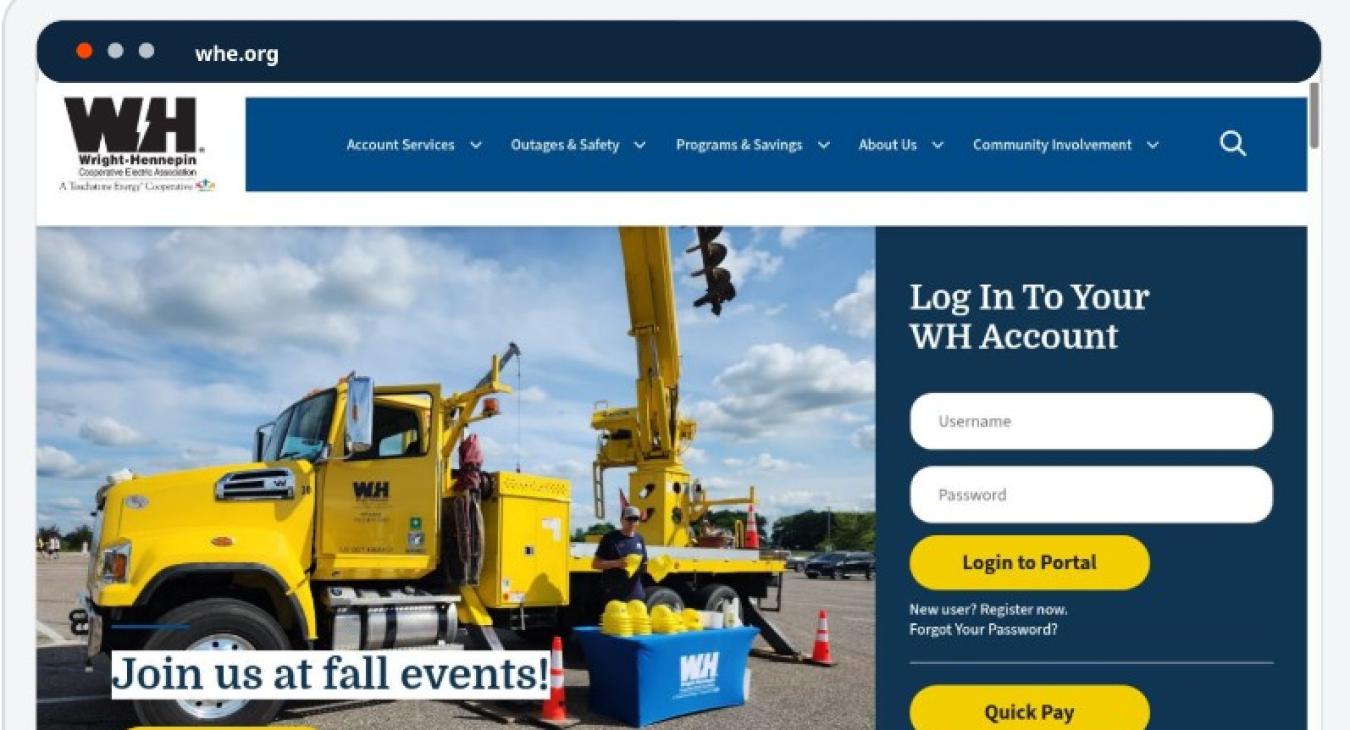
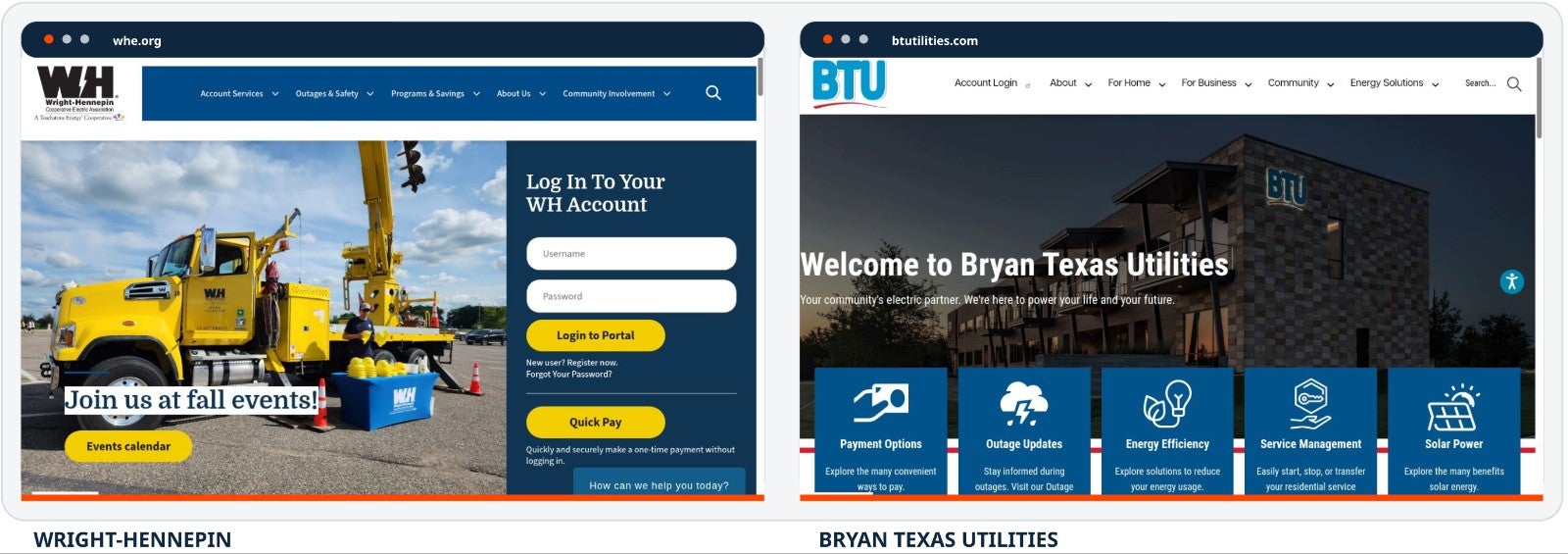
Those questions help guide the project. A new design should reflect your co-op’s brand and community while making everyday tasks easier. The shared SHiNE platform gives us a foundation to build on, with room for each cooperative’s own identity. The Wright-Hennepin and Bryan Texas Utilities websites shown in the webinar are good examples of how different that can look.
There is value for your staff, too. An easy-to-use visual page builder helps your team make updates, while SHiNE manages the technical upkeep.
Decide what belongs before rebuilding it
One of the first things we do is review the existing website and create a content inventory. The sitemap provides a starting point for identifying pages and content types. From there, we work with your team to determine what should move forward.
An old event announcement, a retired program, or three pages that repeat the same information should get a closer look before anyone spends time rebuilding them. Your team identifies which pages to keep, revise, combine, or remove. We provide the Page Development Spreadsheet and guidance to make those decisions manageable.
This early homework matters. It gives us a more accurate page count for project scope, pricing, and scheduling. It also saves your staff from reviewing pages later that no longer need to exist. Members benefit from a cleaner website with fewer outdated or competing answers.
Give your design team a clear starting point
Our Starter Kit brings your preferences and project materials together in one online form. It covers your preferred template and timing, homepage and interior-page layouts, and the features you want members to see. That includes choices such as hero images, feature links, contact information, and social feeds.
We also collect the details that make the website yours: brand guidelines, logo versions, preferred photography, and header and footer treatments. Having those materials together helps our designers understand your expectations from the beginning.
The Starter Kit includes a navigation exercise. This is an opportunity to rethink the menu around how members look for information. A menu that mirrors your internal departments may make sense to staff, but a member looking to start service needs a clear path to that task. We help your team work through those choices before design begins.
Know who owns the next step
Website projects can slow down when assignments live in email threads, content decisions arrive late, or no one knows who needs to approve the next item. Our updated process gives those tasks a home, an owner, and a place on the schedule.
The Page Development Spreadsheet stays with the project from preparation through development and review. Your team can see what is happening without having to ask for an update on every page.
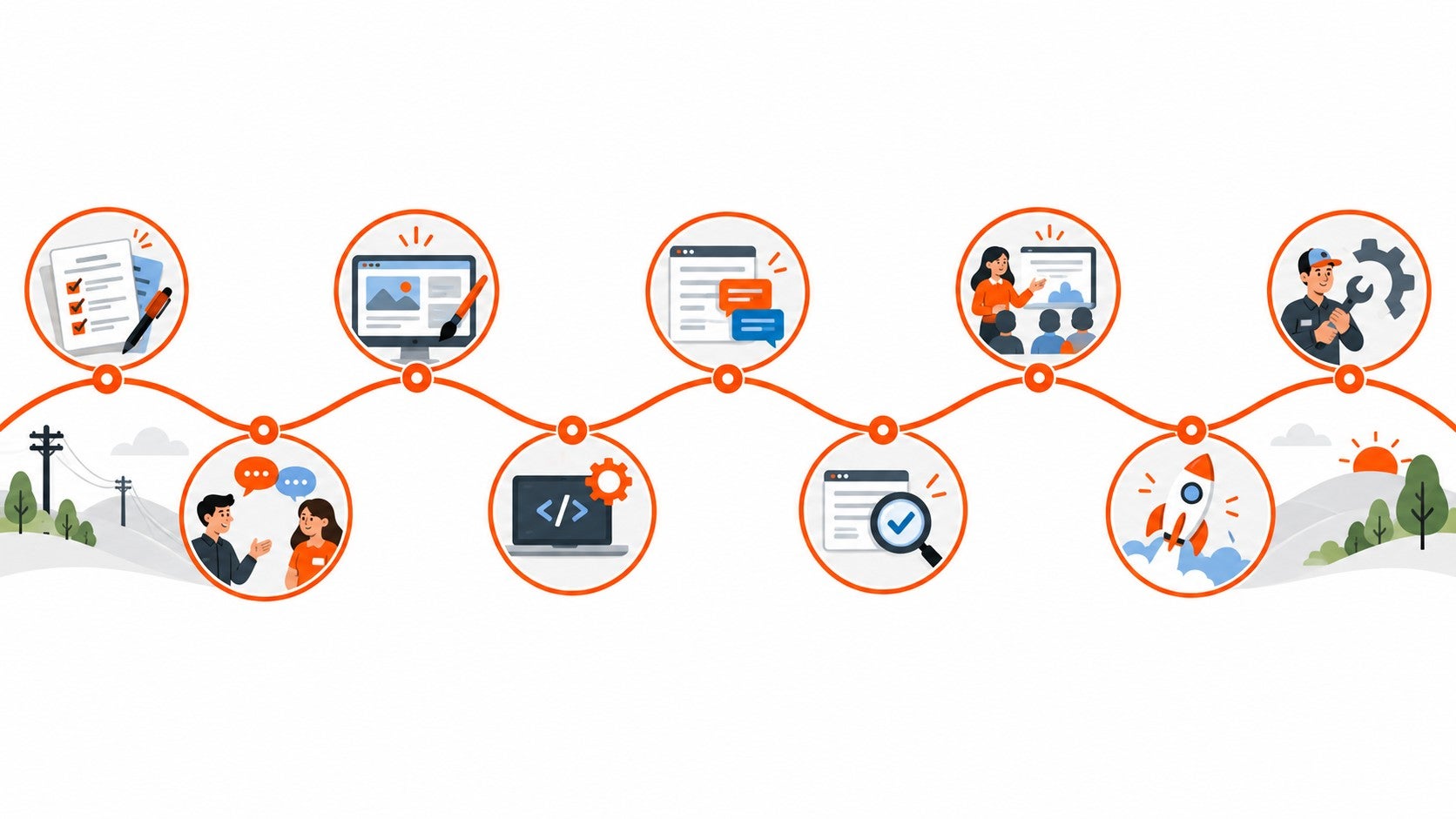
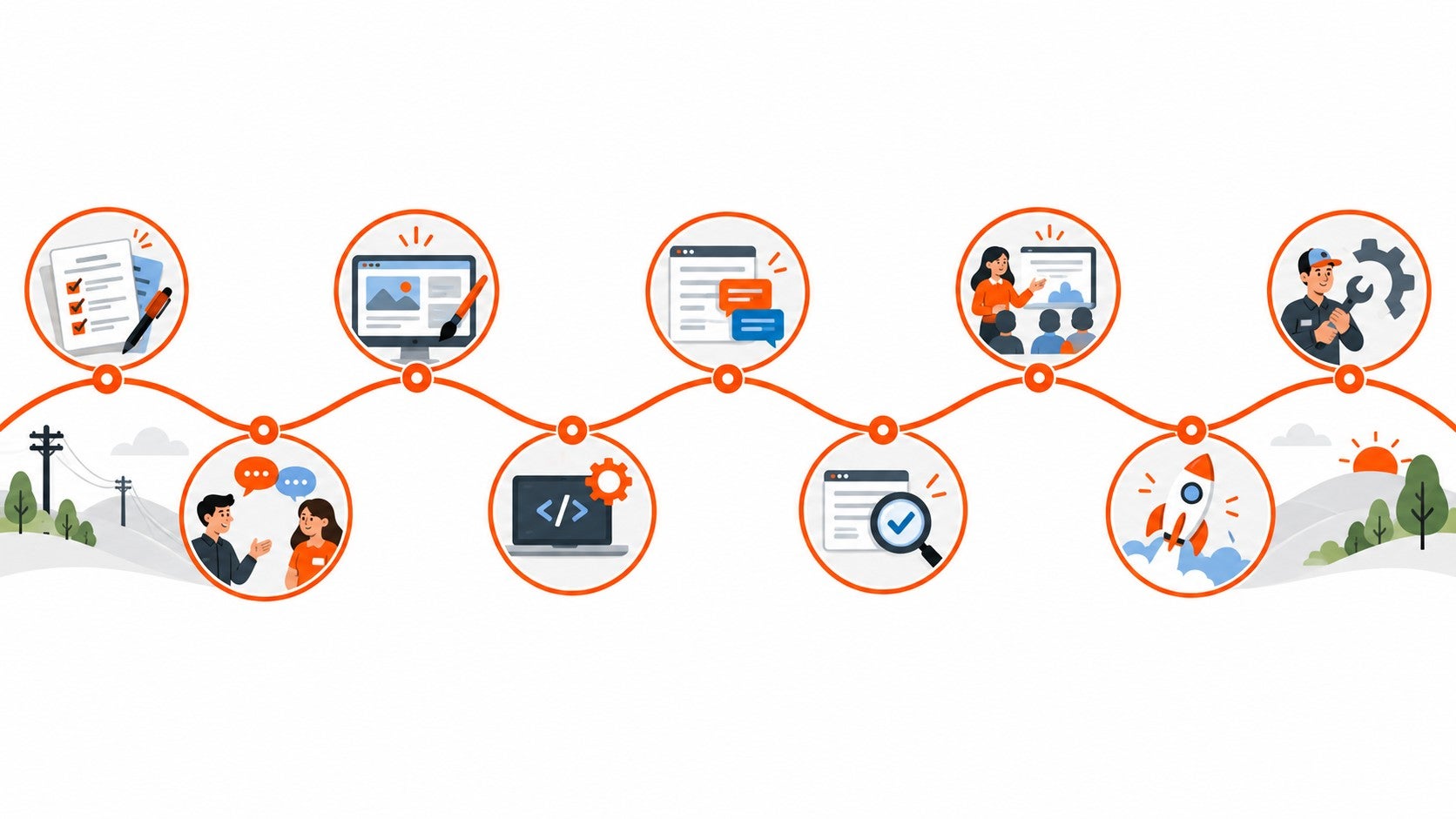
Each project also receives a personalized Project Timeline. We start with member planning and the Starter Kit, then meet for kickoff to review preferences and agree on the schedule. Design approval comes before full development.
We keep page-specific feedback in the shared Page Development Spreadsheet, which gives both teams a consistent place to work through revisions. Two comprehensive review rounds are included. Additional rounds are available by request. Setting those expectations early helps everyone plan enough time for a thorough review.
See the design before we build every page
Using your Starter Kit selections, our team prepares a homepage concept and one or two interior-page templates. We review these together and refine them until your co-op approves the direction.
This gives your team a chance to see how the branding, navigation, and page layouts work together before we build the rest of the website. It also helps avoid extensive rework later. Homepage refinements can continue through launch as the site comes together.
You have choices about how much of the work your co-op takes on. Projects can be co-op led, SHiNE led, or a hybrid approach. We discuss the responsibilities and services with you so the plan fits your team’s available time and experience.
Use resources already built for cooperatives
Your team does not have to create every resource page from scratch. SHiNE includes more than 10 customizable page templates, including the Energy Efficiency Center, Safety Tips & Awareness, Energy Explorers’ Club, and Capital Credits. These provide layouts and supporting resources that can include media, files, videos, and interactive content.
We also offer a growing collection of more than 25 tools built around cooperative needs. The webinar highlights the Digital Asset Library, interactive maps, rate calculators, and the Unclaimed Capital Credit Finder. Other options support service forms, events, broadband labels, and social feeds. During planning, we can help identify which tools would be useful for your website.
Keep the website supported after launch
Launch is an exciting milestone, and it is also the beginning of the website’s day-to-day use. Your staff needs to feel comfortable making updates, and the technical foundation needs ongoing attention.
SHiNE provides training and technical support alongside managed hosting, SSL certificates, platform updates, and monitoring. Image optimization and a content delivery network help pages load efficiently. A web application firewall, anti-spam services, and security monitoring help protect the site, while accessibility tools support a more usable member experience.
For cooperatives that want additional help with the content itself, Content Support is available as an optional service. That work can begin before a redesign by examining site data and member behavior, then continue through navigation planning, copywriting, and page design. After launch, it can include content updates, broken-link cleanup, Google Analytics reporting, and SEO improvements to help search services and supported AI tools understand your information.
The goal is to keep the website useful as your programs and member needs change, with a level of support that fits your co-op.
Ready to talk about your website
You do not need to have every page reviewed or every design choice settled before contacting us. Visit shine.coop and select Get Started to tell us about your website and the kind of help you are looking for. Sandy or Scott from our Member Engagement team will arrange a private demo and help prepare a proposal with any applicable project or optional-service costs.
If you are still exploring, I encourage you to watch the webinar and share it with others who would be involved in your redesign. It walks through the resources and gives your team a clearer picture of what working together looks like.
We want your team to feel comfortable with the process and confident about the website you launch. If you have questions about where to begin, reach out. We are happy to help your co-op SHiNE online.
Watch Get Ready to SHiNE on LinkedIn Learning
Get Started
Questions? support@shine.coop
Read more articles
- Log in to post comments