Keys to Website Admin Superstardom: Revitalize Your Co-op Website
Supercharge your Website with Interactive Widgets
Tired of your web

Tired of your web
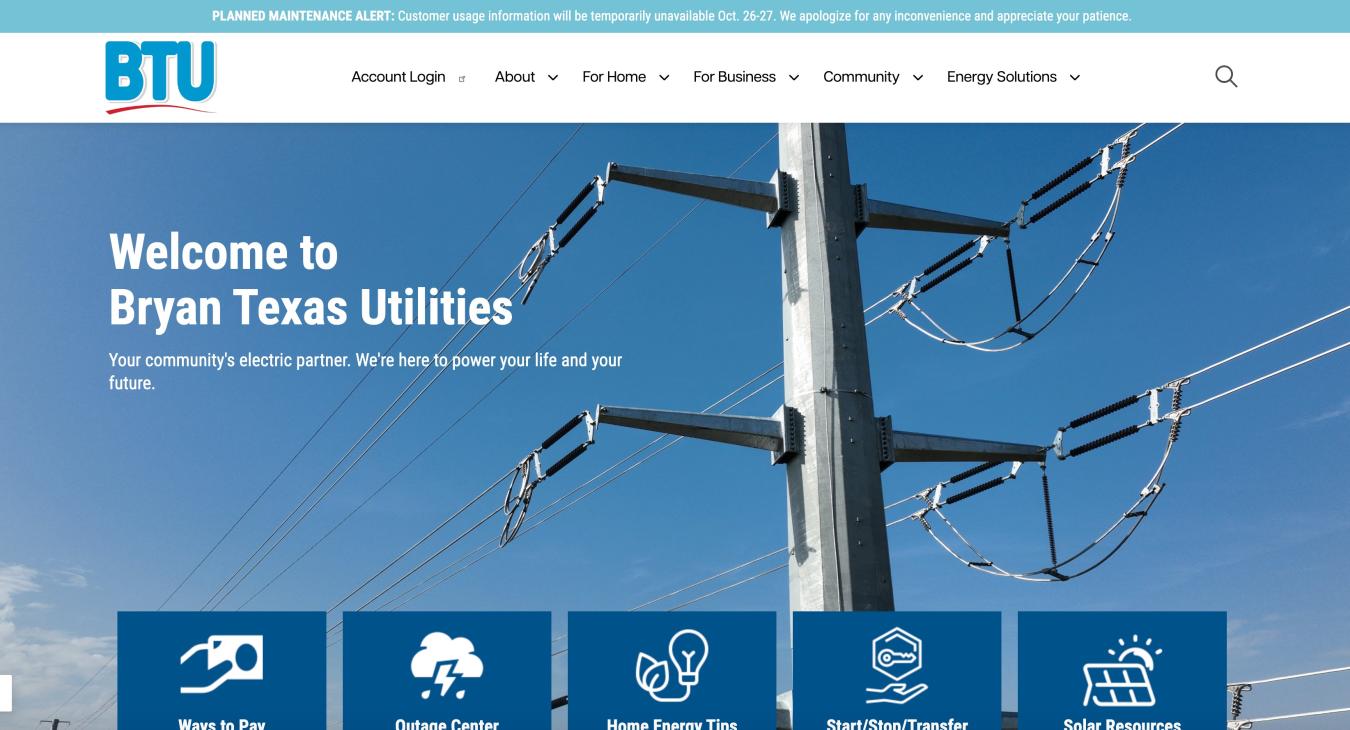
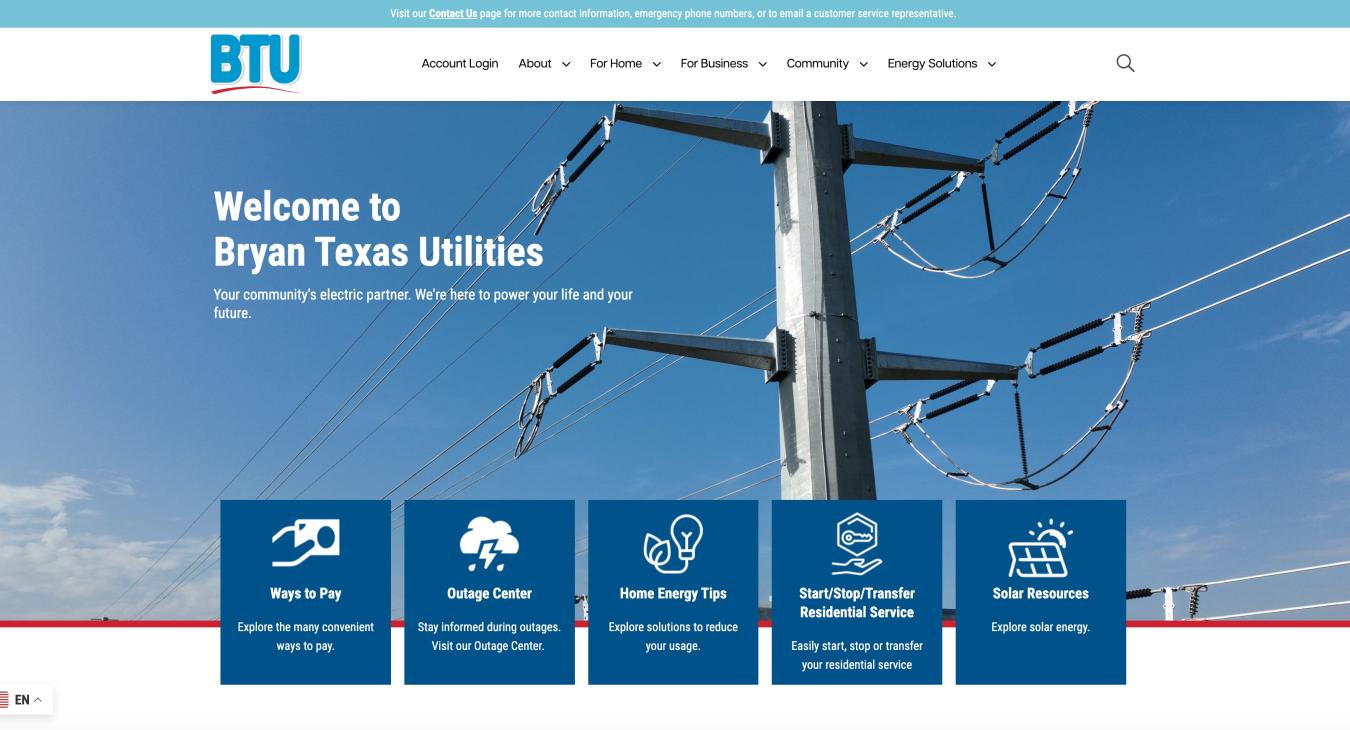
Bryan Texas Utilities (BTU) desired a complete website overhaul with the goal of being more user-centric and easier to manage. They wanted a modern, responsive design optimized for mobile devices. The goal was to enhance the user experience by providing easier access to essential services and resources.
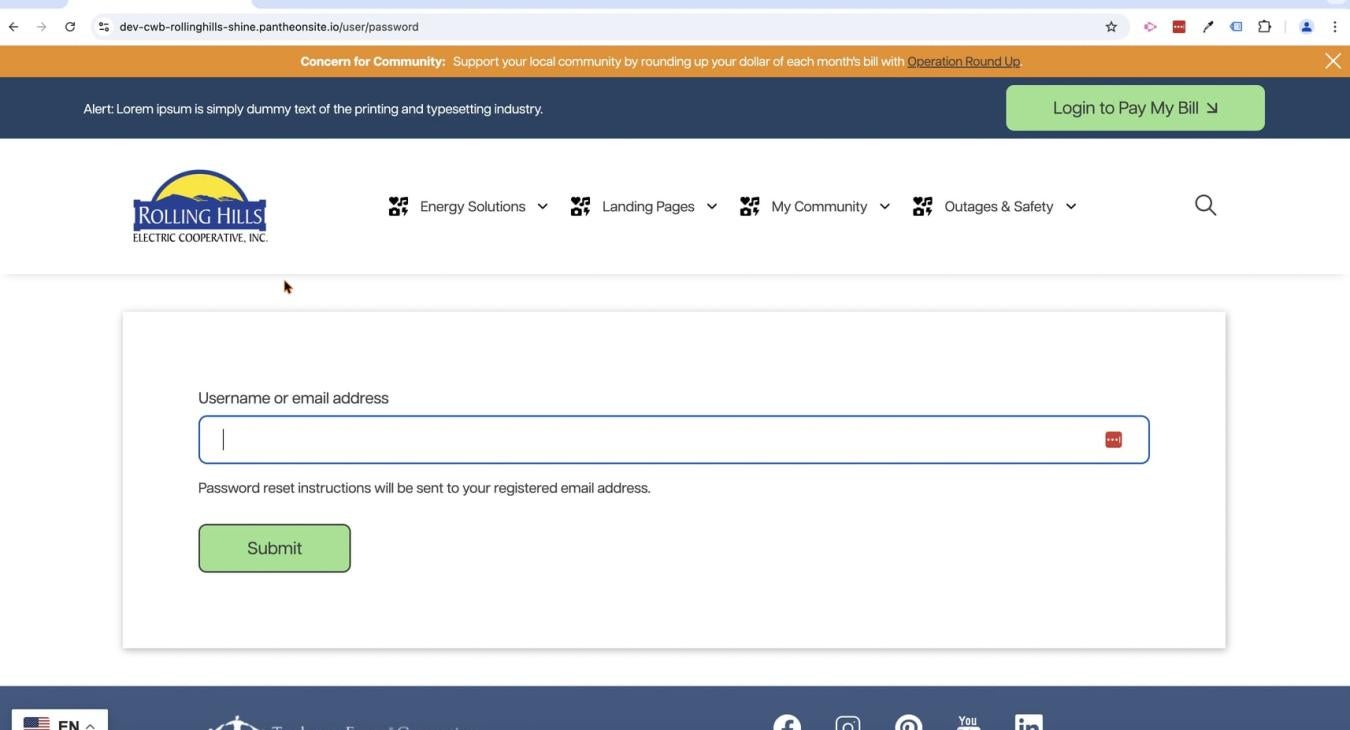
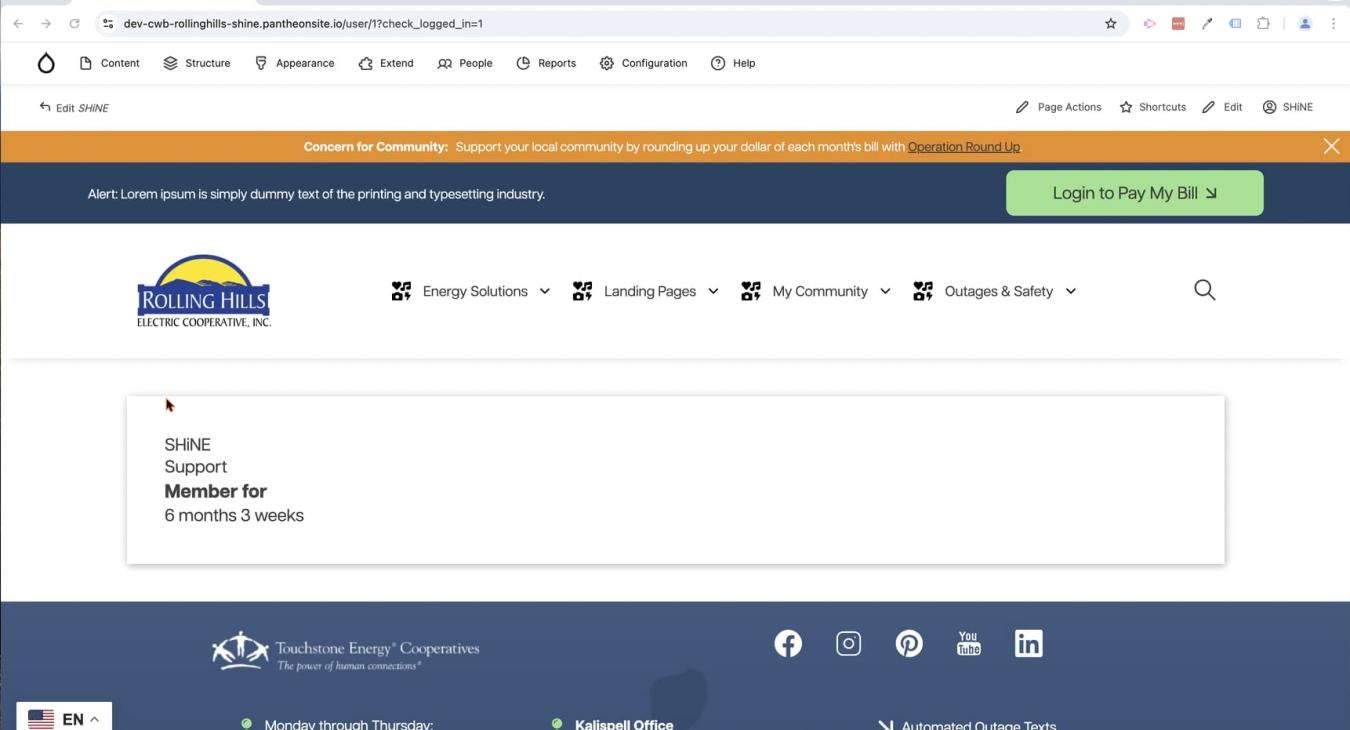
Learn how to reset your credentials for your SHiNE CMS account any time you need.
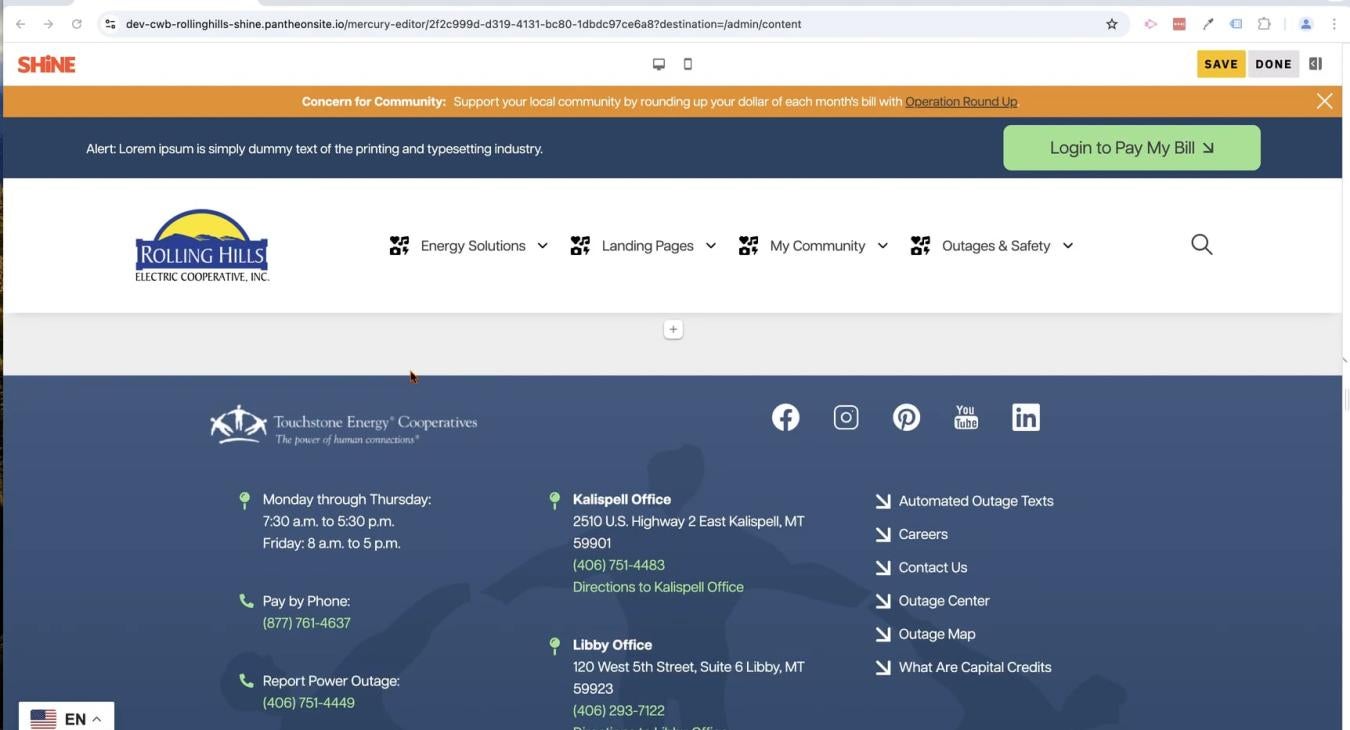
Start using the new revolutionary page layout creator in SHiNE CMS. Learn about the new components and how to create and insert them onto your pages directly. Start using our new fully editable drag and drop user friendly interface today.
Learn how to create pages to add to your brand new SHiNE CMS website. Rinse and repeat as needed until all your pages have been created.
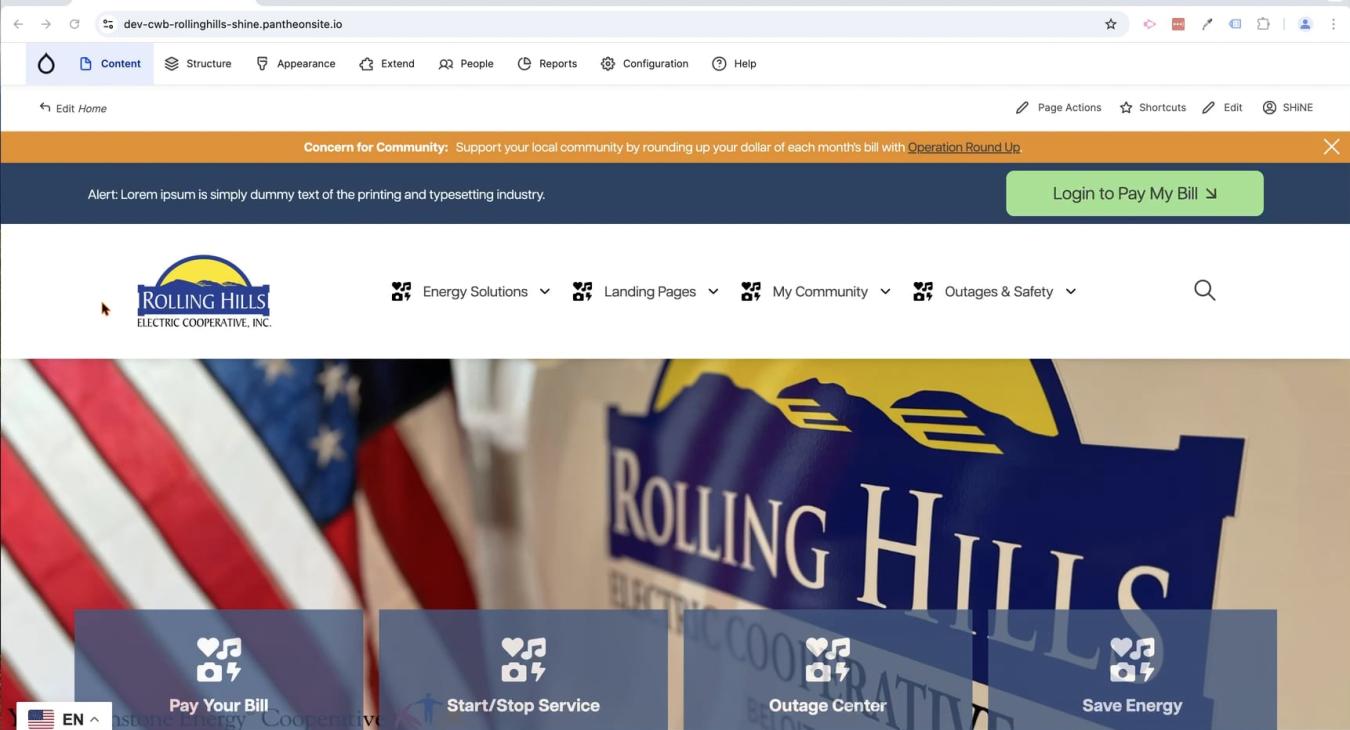
Take a tour of the brand new administrative toolbar in SHiNE CMS where many common site management tasks are accomplished.
Use the page layout creator to add sections to your website layout. Sections act as container elements for the various designs you create. Always start with a section first, because it will enable you to control the background, width, colors, and many other properties of this area of your website.